

HP Smart Tank 6001 Wireless All-in-One Ink Tank Printer, Scanner, Copier with 2 Years of Ink Included, Best-for-Home, Cartridge-Free Refillable, AI-Enabled (2H0B9A)
Original price was: $369.99.$33.99Current price is: $33.99.








Price: $369.99 - $33.99
(as of Dec 06, 2025 20:41:23 UTC – Details)
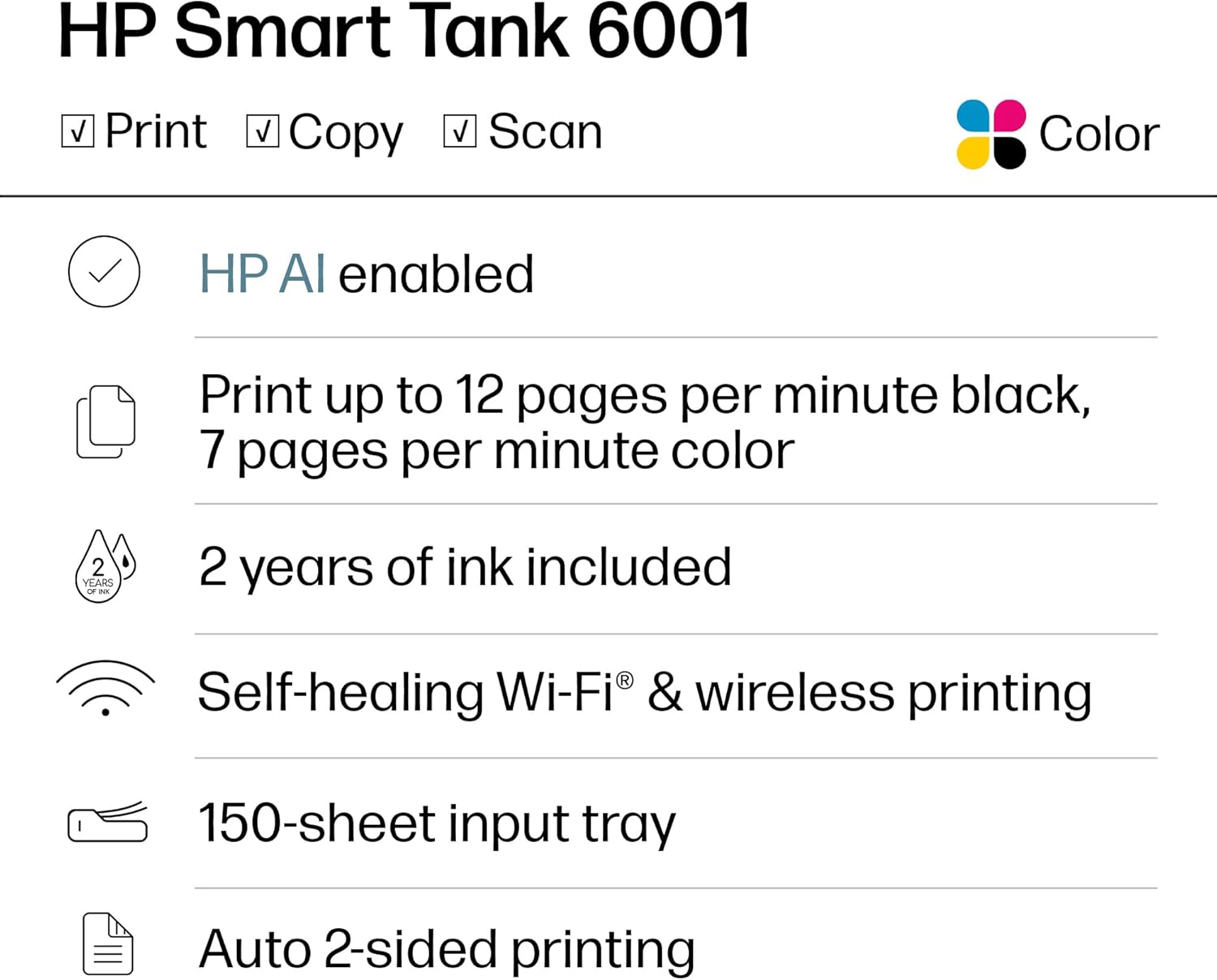
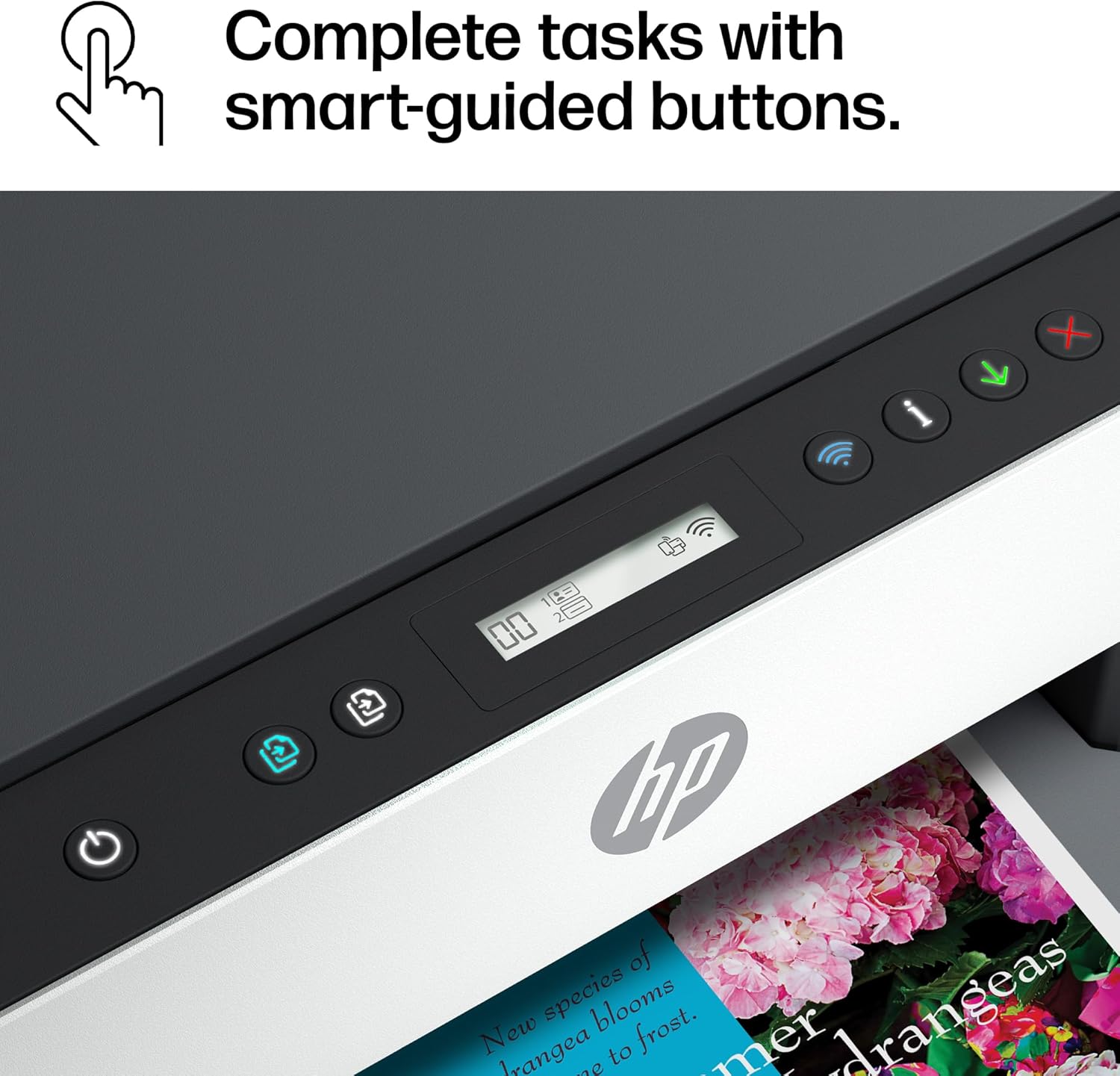
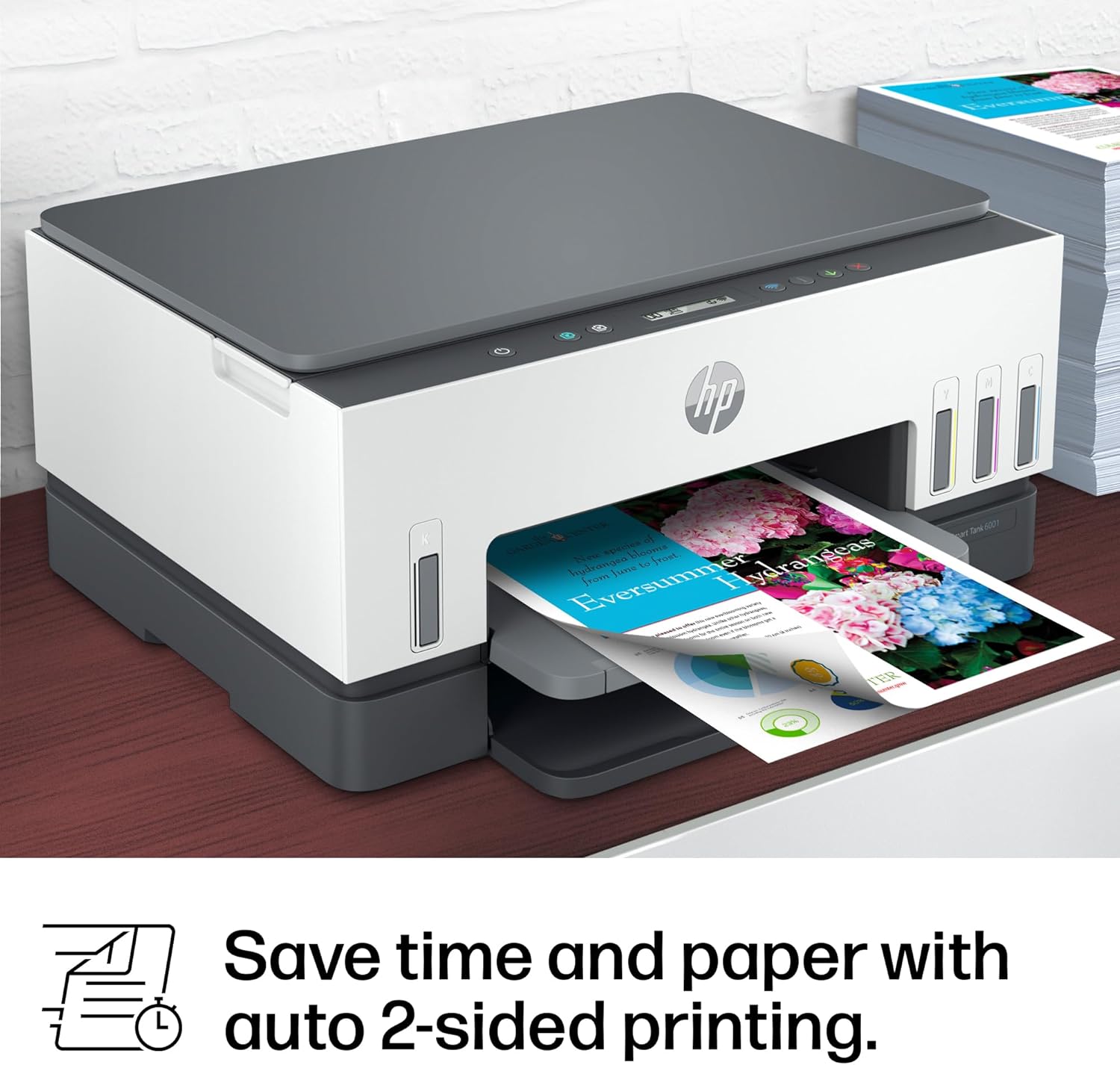
The HP Smart Tank 6001 Printer is a smart, connected and refillable tank printer that makes printing seamless for your home with its high capacity and wireless connectivity. Create everyday color documents at a low cost with 2 years of Original HP Ink included in the box. This cartridge-free Smart Tank printer is an inkjet perfect for high-volume printing. It’s also AI-enabled to intuitively adapt to your workflow, with wireless and security features that keep your multifunction printer up to date and secure.
EASIEST-TO-USE TANK PRINTERS – Quick setup, easy print and scan, reliable Wi-Fi and an app that makes it all easy
BEST EVERYDAY PRINT QUALITY – HP tank printers deliver crisp text and frame-worthy photos with vivid, true-to-life colors for consistently impressive prints
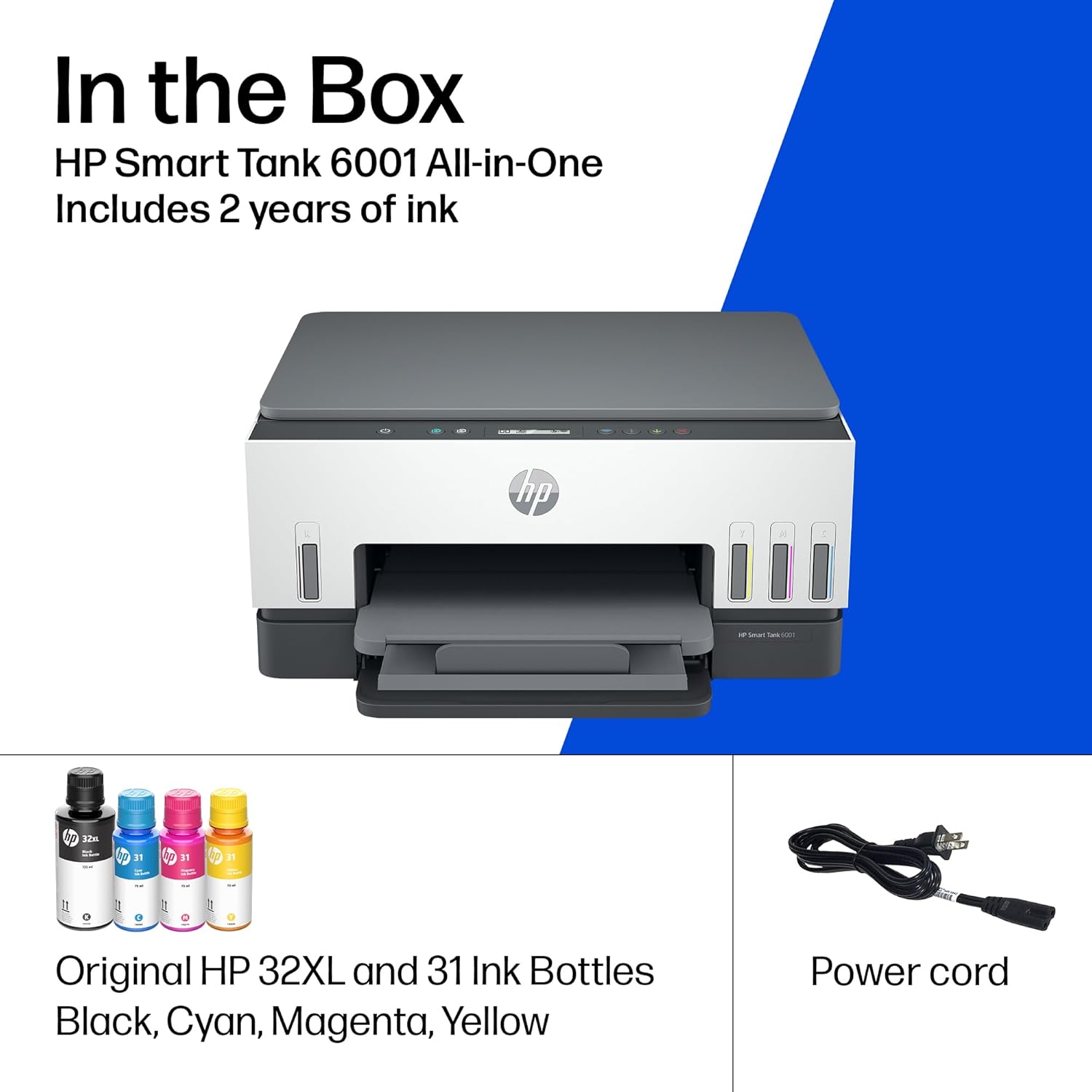
MESS-FREE REFILL – Replenish ink with HP’s easy-access, mess-free refill system. Simply plug the ink bottles into this cartridge-free ink tank and let them drain—no squeezing, no spilling
FULLY LOADED WITH SAVINGS – Best for low-cost, high-volume printing—2 years of Original HP Ink included; get up to 8,000 color pages or 6,000 black pages right out of the box
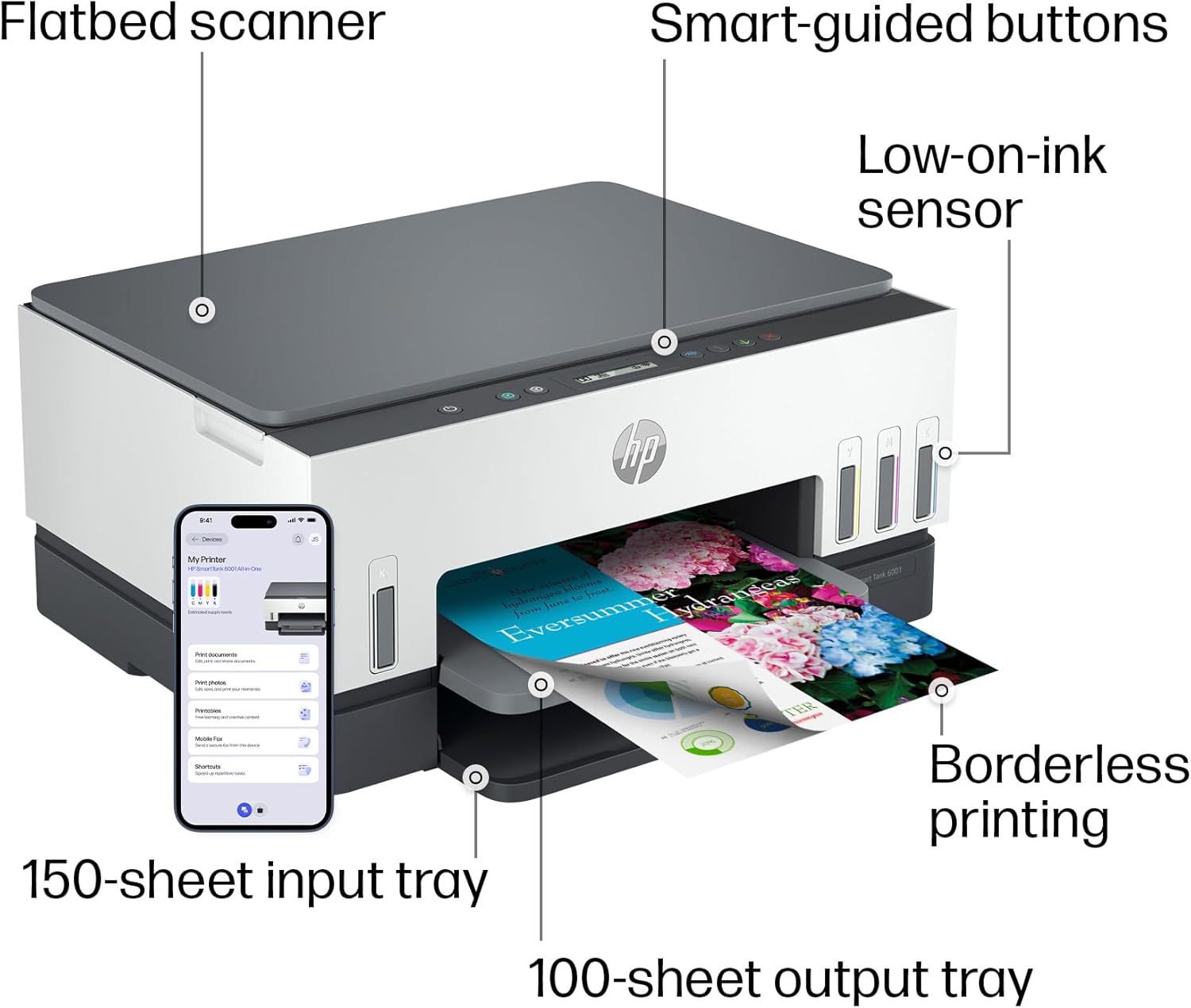
KEY FEATURES – Print, copy and scan, plus automatic 2-sided printing, borderless prints, mobile and wireless printing
PERFECTLY FORMATTED PRINTS WITH HP AI – Print web pages and emails with precision—no wasted pages or awkward layouts; HP AI easily removes unwanted content, so your prints are just the way you want
HP APP – Print, scan, copy or fax right from your smartphone with the easiest-to-use print app
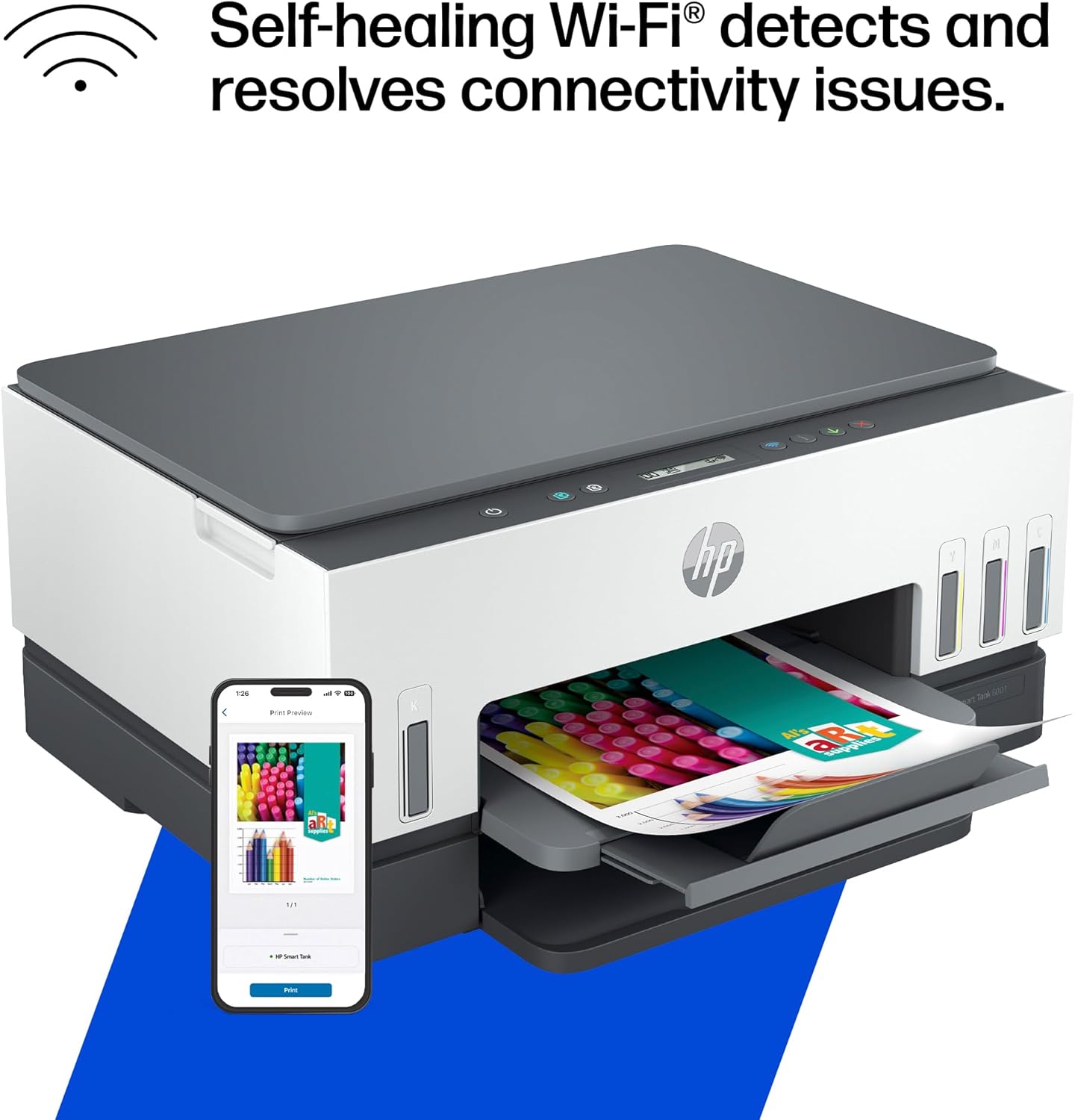
WORRY-FREE WI-FI – Stay connected with self-healing dual-band Wi-Fi that automatically detects and resolves connection issues
PROTECTS YOUR DATA – HP Wolf Essential Security helps maintain privacy and control with basic encryption and password protection
FROM AMERICA’S MOST TRUSTED PRINTER BRAND – The Smart Tank 6001 is perfect for families printing a variety of color documents in high volumes. Print up to 12 pages per minute black and 7 pages per minute color
Customers say
Customers report mixed experiences with the printer’s functionality, with some saying it works well while others mention it stops working after two weeks. The print quality and ease of setup receive mixed feedback, with some finding it great and easy to install, while others report issues with printhead problems and setup difficulties. The connectivity is problematic, with many customers unable to connect to Wi-Fi. Customers disagree on the value for money, with some finding it a great 3-in-1 printer for the price while others consider it not worth the money. The print speed receives mixed reviews, with some praising its quick two-sided printing capability while others find it slow.
7 reviews for HP Smart Tank 6001 Wireless All-in-One Ink Tank Printer, Scanner, Copier with 2 Years of Ink Included, Best-for-Home, Cartridge-Free Refillable, AI-Enabled (2H0B9A)
Add a review
Related Products
![[Electric Focus&Android OS] Mini Projector with WiFi and Bluetooth, XuanPad 4K 1080P Support Portable Projector, 210°Rotatable Stand, Built-in 8000+APPS, Dust Removal and Heat Dissipation Design](https://i1.wp.com/m.media-amazon.com/images/I/61JOg263fHL._AC_SL1500_.jpg?w=300&resize=300,300&ssl=1)


Original price was: $369.99.$33.99Current price is: $33.99.
SCJ –
Who uses a printer besides me?
I’ve been using home printers for over 40 years now, most of them HP. At one time I have used Cannon, Epson, Lexmark, Brother and probably others but usually HP most of the time. My last printer was HP, about a $650 one, duplex, color, scanner, copier that worked fine once it warmed up but that was OK since it was older and worked reliably, not too hard on cartridges, so I made allowance for the warm up time. It finally quit, signed off with “Printer Error, Contact HP” on the screen. Of course there is no calling HP unless you desire to engage a game of mental masturbation with Bots. I don’t know of any HP repair places for home equipment, although there may be some, there’s none within 60 miles of me. So I bought another printer, an Epson.I’m not clear who this printer was designed for; or the actual reality it was intended for. Someone was very proud of little blue strips of tape because 15 or 20 blue tape strips were everywhere inside and out, some difficult to get to or completely remove since they would rip, leaving tape mini strips. What was the reason for all the tape? Evidently the designer was afraid many of the little brittle plastic pieces were just too loose, possibly detach in transit, get lost in the device or snap apart and wedge down in the innards, rendering the machine inert. Perhaps there’s a required quota of blue tape in some of the countries this printer is sent to, or possibly blue strips of tape is a sign of good luck, or deters evil sprits, or harbors a favorable sign of good crops this season, or blue tape is synonymous with blue ribbon, a sign of top quality in some places. I’ll never know because the Epson never worked. It sat mute. It did power on finally, but as a “wireless” device in a house overflowing with wireless devices it did not commune with anything I know of. Could it have mated with the garage door opener, ready to spray 3 color ink all over the door in the up position? Did the HVAC system tell it to sit down and shut up? There was a get started CD disc enclosed but it was obstinate, wouldn’t play or just blank. A “get started CD” in these times? Really? So the question remained: who was this printer designed for? Did the designer believe a customer would buy another Epson printer based on this experience?So I had to buy another, this time a HP. Opened the box top flaps and instantly wondered, again: What kind of folks package stuff this way? A for appearance F for functionality. Impossible to remove anything- the packaging is so tight. I paused to see different methods: foam endcaps could be 2 piece, tops and bottoms, so remove the tops and pull the printer out. Or a pre-attached lanyard to pull the whole business out of the box. Instead I held back the flaps, turned the box upside down and shook the printer out of the box, no biggie. HP must considers their printer to be better than Epson; only a few strips of blue tape verses the boo-koo strips on the Epson. And only a couple of cardboard spacers in the guts. HP uses the exact same method of ink storage however, must be a government thing; a rated plastic container with a nuke proof cap, vac sealed in poly vinyl for each of 4 bottles, need scissors to open. An unusual item in the HP is the print heads, one color one black, each sealed in aluminum foil plastic. Can’t miss where they go because orange plastic identifies rest in the locations. Theres more to the print heads locator however- it happens to be a whizz bang construct of several convoluted plastic shapes with metal inserts and metal screws, some numbers stamped in the various pieces, and even a bar code strip with a SN. This silly thing if pretty cool by itself. It obviously had a critical role to play somewhere along the line but not anymore; it’s a one timer, a trash icon is stamped on it. This curious piece comes out and 2 print heads go in.Like every other gadget this printer is wireless of course but also with a port for a connector, I know better than to buy one otherwise. So, plugged it in, connected the cable to the computer hub, loaded paper and clicked print. Printed front and back perfectly. Then it printed a test page on its own, I didn’t ask it to. Perhaps the printer is so proud of its capability its showing off. OK fine. Good printer! The box it was packed in barely held all the wrappers: styrofoam, ink bottle wrappers and seals, cardboard spacers, containers, plastic and of course the obligatory handouts of notices, regulatory statements, waste disposal instructions, various exposure warnings, FCC statements, chemical alarms, notice to users of the US telephone network (6 paragraphs) other caution statements, notes, advisories, battery warnings (what batteries?) and be careful! admonitions. In 10 different languages. I think there was a warranty slip of paper in with the other slips of paper, in other languages, not certain, as all that detritus crapola goes into the garbage first. And you may be comforted to learn that all the multitude of paperwork is not only good for the dozens of countries this printer may be shipped to but also good for the countless HP printers between the 660-670-, 710-720, 750, 6000, 7000, 7300 series models. I’m not impressed but good on HP!I’m glad HP is successful since that is a major factor contributing to the quality of THIS particular printer. Working thru all this minutia is not working like pouring concrete is working but, with all the capability and accomplishment of HP- someone somewhere has likely mentioned that a top quality color duplexing printer scanner copier, requiring no final assembly by the user and designed to last years with only ink bottles to replace would be a sure winner. A printer with only 3 steps out of the box: plug it in, fill the ink tanks, push print. Talk about building a forever base of loyal repeat customers! An entire generation would live and swear by such an appliance. But who uses a printer besides me?
Customer –
broke in less than 7 months with very light usage
I think HP brand name is not something I can trust on now.I bought this printer in Nov 2023, and had some trouble with connecting to Wifi in between.But usually a reboot would fix the connectivity and was able to print again.Another issue was that the Attention LED used to blink occasionally when I try to print and until I disconnect power and power it on it was never able to print anything. I should have complained about it long back but I didn’t. And yesterday it stopped working completely. Even factory reset could not make it work. Luckily I was still under warranty so I decided to contact Customer service last night.I followed the instructions and reported this, and got a Case Id. I was assuming someone would email or call me, but This morning I saw email notification that the case is closed. No update, no resolution. Nobody tried to contact me. What are they trying to do??And today I was trying to contact the customer service, it took me 1 hr to navigate through and get past their stupid chatbot which cannot understand anything at all. Finally once the live agent started they were able to troubleshoot for the next 30 min or so and get an a replacement part ordered. I will update once I get the replacement part to see if it really gets fixed.Another thing with this printer is that you can keep hearing a small squeeling noise continuously from the printer, even when it is not doing anything at all. I am thinking this is one of the other hidden issues I may have to worry about soon. I asked the customer service person, but they just said to contact after the replacement printhead comes and is replaced.I feel they just are not interested in helping to fix issues.Overall I feel like I should stay away from HP printers from now on. (Its sad to see that once such a great brand is falling to this low).Update on 10/16/2024I got the replacement printheads, and guess what, replacing them did not help to resolve the issues. the printheads are not detected or something else is wrong, I am not able to print anything at all. The LED display still shows the black cartridge missing icon flashing.Contacted HP customer care again today and spent > 1hr to explain this and try to get a resolution for this. And they are sending me a replacement unit, but to send the replacement, I have to get the old one returned first. (They will send me the box and label but its going to take a few days). And then another few days for them to get the printer. Only then they will send you a replacement printer. They said approximately 2 weeks, but I doubt. that. All these days I don’t have a printer at all.And now once I get the replacement part, I get the warranty transferred to the new replacement unit, meaning only till the original warranty expires. If this new unit fails the same way or with a different issue after that I am on my own, throwing all that $$ down the drain.At the minimum they should have offered to extend the warranty for the number of days I did not have a printer (from the day the case was opened to a replacement was received).I have now made a decision to stay away from HP printers forever.My last Canon Inkjet was excellent. It never gave me any complaint at all since I bought it in 2009, till now. The only reason I bought a new one was because the Canon printer was end of life already and they dont have drivers that would work with the newer OS.Update 10/25:Waited for 3 days for me to send the box and label and they gave me conflicting information in each emailone email with a fedex label said I have to send the shipment first to them, (no mention of box or anything that they promised to send me ).Right after that they send another email stating they will send me the new unit first and I can send back the old one in the same box once I get it.Both of these conflicted with what the customer service said, but I waited for 3 days and since I didn’t see any updates I contacted customer service again. After some back and forth they said they will send me a box to send the old one back. But it was too slow, so I was able to scavenge some other shipment box, pack the printer and use the shipment label they sent via email to send the defective unit back.And they received it, but no update even on the next day.So I asked them via customer support chat again and they said it would be updated withing 2 business days.Still no udpate and when I contacted them again, now they are claiming that it will take 15 days for them to process the replacement and that time starts when they received the defective unit (Oct 23rd morning). Which means I am out without a printer till Nov 7th.In my opinion, with this kind of customer “service”, there is no point in giving warranty for a product. If anyone out there is in the process of getting a new printer, stay away from HP. In my experience, their printer don’t last, and they don’t provide any customer service at all. All their customer service department does it create tickets for their service center and there is no way to contact anyone there to see what is going on with your repair order. Better go with any other printer and they should work. Even if it does not work after sometime, its cost effective to return it (and pay the restocking fee at amazon) or even thrown it away and get a completely new one. It would still be cheaper and less stressful than dealing with HP customer service.
sd –
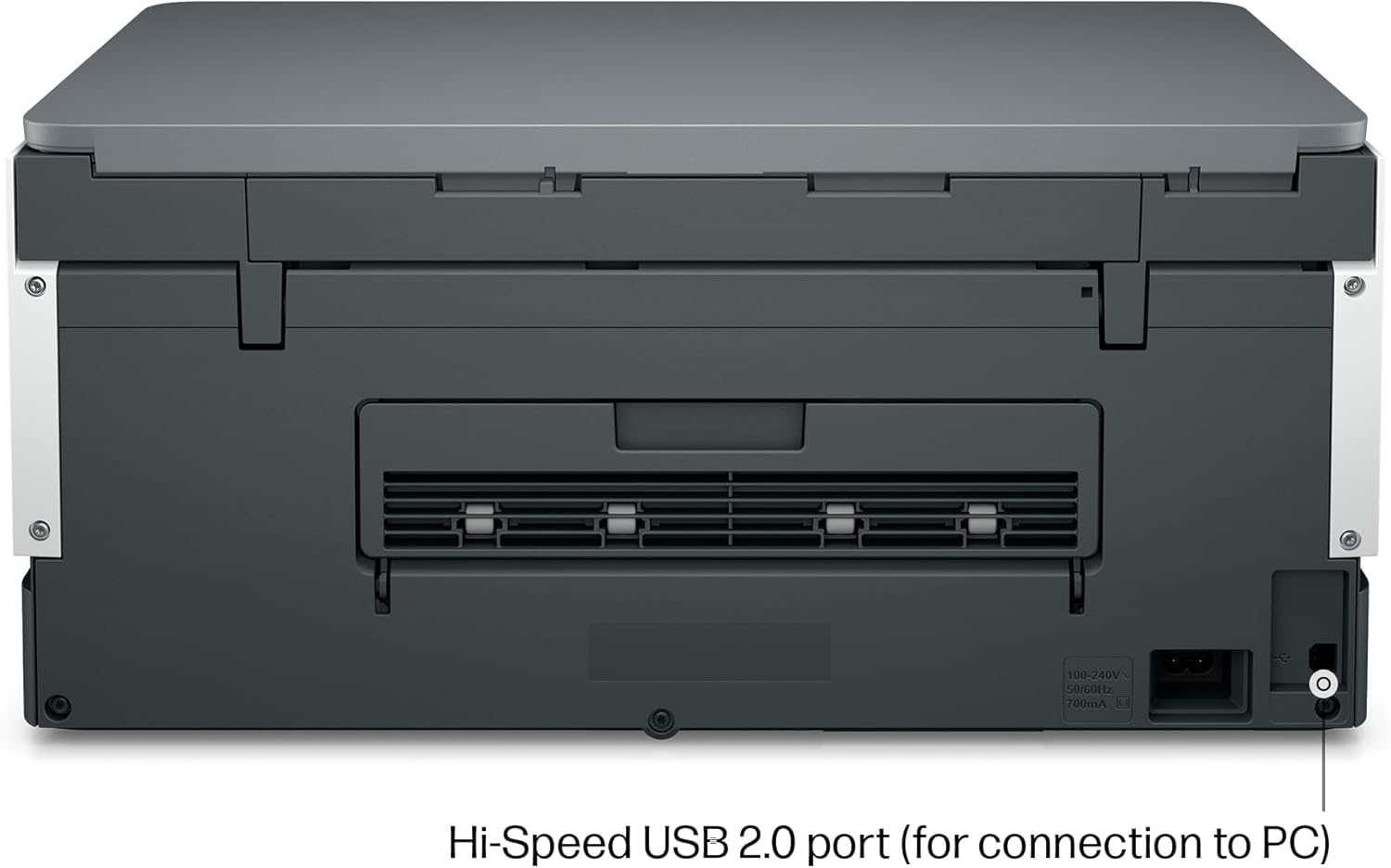
In 2017 I bought an Epson ET-2850, because for years before that Epson never let me down and I was off of HP at the time. Anyway, things have really changed and that printer was a nonstop source of frustration.Fast forward 6 years and I had just had enough. Settled on the HP Eco Tank 6001, and it’s just so much better in every way. Prints much, much faster. It can do two sided printing. The WiFi connection is actually usable without jumping though hoops. Photo printing quality is on par but takes less than a quarter of the time.I can say setup wasn’t exactly a breeze and was a bit frustrating, but that’s a one time thing. Printer had to be online for the setup to complete.My printer’s IP is now blocked by my firewall. It will never speak to anything on the internet again. This ensures no unwanted firmware updates that disable functionality, which is apparently an issue some people have faced.The printer didn’t come with a USB cable but I had one lying around. It’s the old square type. When you set the printer up, you’re forced to “choose between USB and WIFI” and it disables whatever option you don’t choose. I was able to reenable the USB right after however, and both work fine side by side. This made my life a lot easier because printing from PCs is a pain over WiFi (can’t cross LAN segments) and printing over USB is nearly impossible for mobile devices.I can’t speak for ink costs as I’m not a heavy user, but once you’ve used an eco tank type printer, the idea of having to pay for cartridges every few months is just a bad memory. You are saving HUNDREDS of dollars.One of my main gripes with my old printer was trying to clean the print heads when nozzles clogged. At first it was possible, but it got to a point where nothing I did worked. If that ever happens with this printer, the print heads are replaceable, easily.
Ali F. M –
The HP Smart Tank 6001 is a solid all-in-one printer with a lot of great features, but there are a few things to keep in mind before buying.First, the good stuff—the print quality is excellent, and having up to two years of ink included is a huge bonus. Once set up, it works flawlessly for everyday printing, scanning, and copying. The cartridge-free ink system is efficient, and refilling is mess-free compared to traditional cartridges. Wireless printing from my phone or laptop has been smooth, and I love not having to deal with constant ink replacements.Now, the downsides—the printing speed is incredibly slow. If you’re in a hurry, this might not be the best choice, especially for large documents. Additionally, paper jams happen occasionally, which can be frustrating, though they’re not a constant issue. The initial setup was also a pain, taking longer than expected to get everything connected and working properly.That said, once the setup is done, it’s a hassle-free printer that does exactly what it’s supposed to do. If you can deal with slow speeds and the occasional jam, this is a great long-term printer with excellent ink efficiency.
Michael Stepchuk –
Love this printer. Great price point and solid performance after a really easy set up. Great colour output and print speed. Trays are a bit flimsy but acceptable at this price point. Now I want to see how long the ink lasts – if it lasts two years I’ll be happy but it’s easy to see HP makes their money when you buy their toner.
Dan Locke –
Printhead failures constantly continue HP does this support/reset every time and they get it working but it fails the next time I go to print. So I go through it again and again and they won’t do anything to resolve the real issue. This is not how this product should work. When it does print the print quality is excellent. Very disappointed with the service from HP they actually closed my support case without resolving the issue. Not cool for such large company. They have seen the issue by accessing the camera on my phone during the support call and still not getting the issue resolved is very frustrating. Very frustrating to have to unplug and leave it unplugged for 1 minute then take out the printheads and reinstall everytime I want to print. If the product is clearly defective then replace it! Call centre in India certainly doesn’t help. I wish these things were disclosed upfront before purchasing a product so the consumer can make an informed decision. I have asked for everything to be in English and they continue to send every email in French I feel this is very disrespectful.
Henry Hostetler –
I had trouble with Wi-Fi/Bluetooth setup, but today it went well. I don’t know what I did wrong, but is working fine now.I use the printer frequently mostly personal. I also do things for others like helping them with income tax and always make copies. My biggest project is a memoir and will need to print numerous pages sometime. Since the printer hasn’t been here but a few days it hasn’t been tested.I used the scan feature, and copy and want to learn some of the shortcuts.Once I have time to do more I am sure I will be satisfied.Thanks