

Xerox C230/DNI Color Printer, Laser, Wireless
$219.99



Price: $219.99
(as of Nov 07, 2025 13:11:24 UTC – Details)
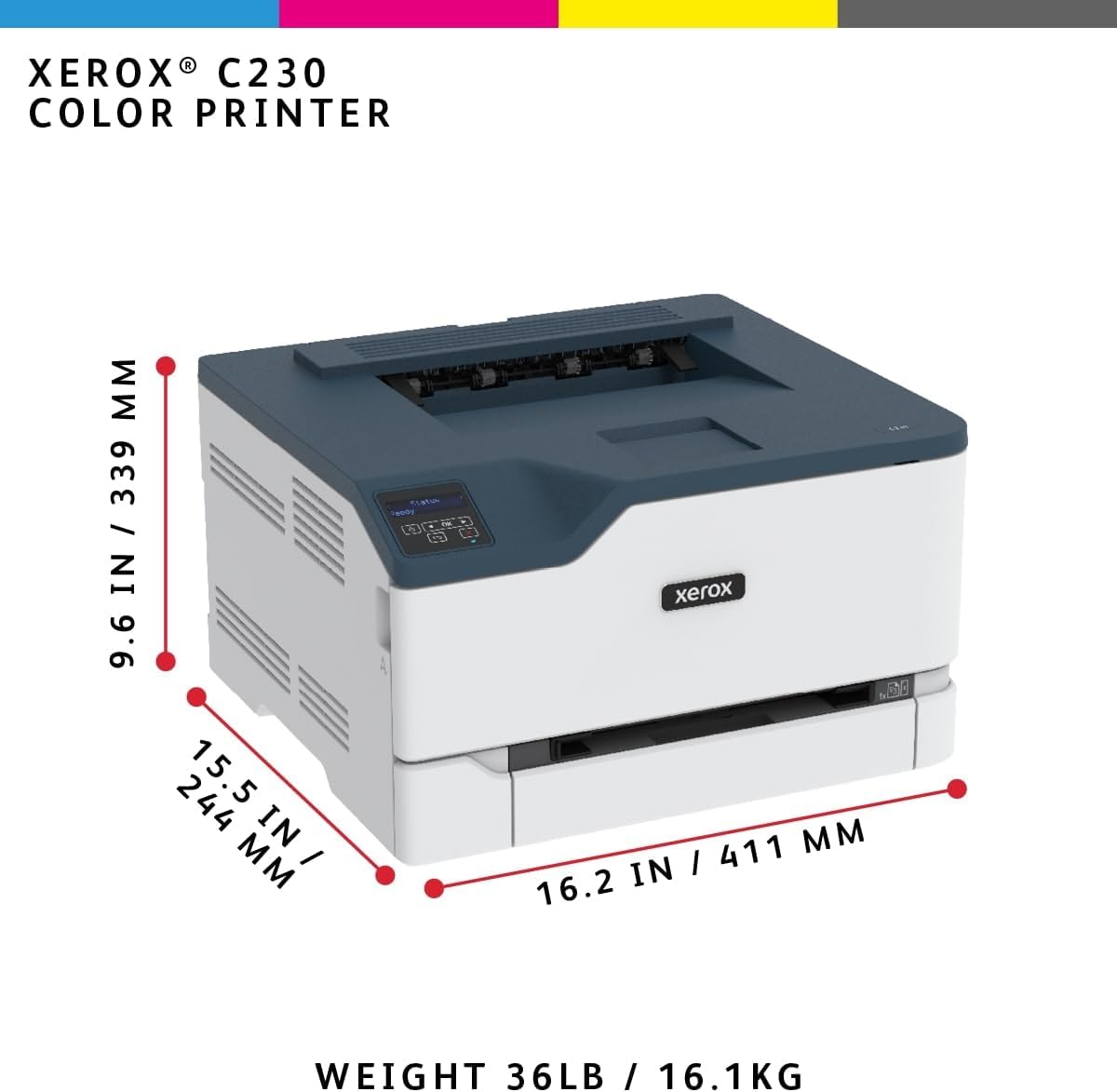
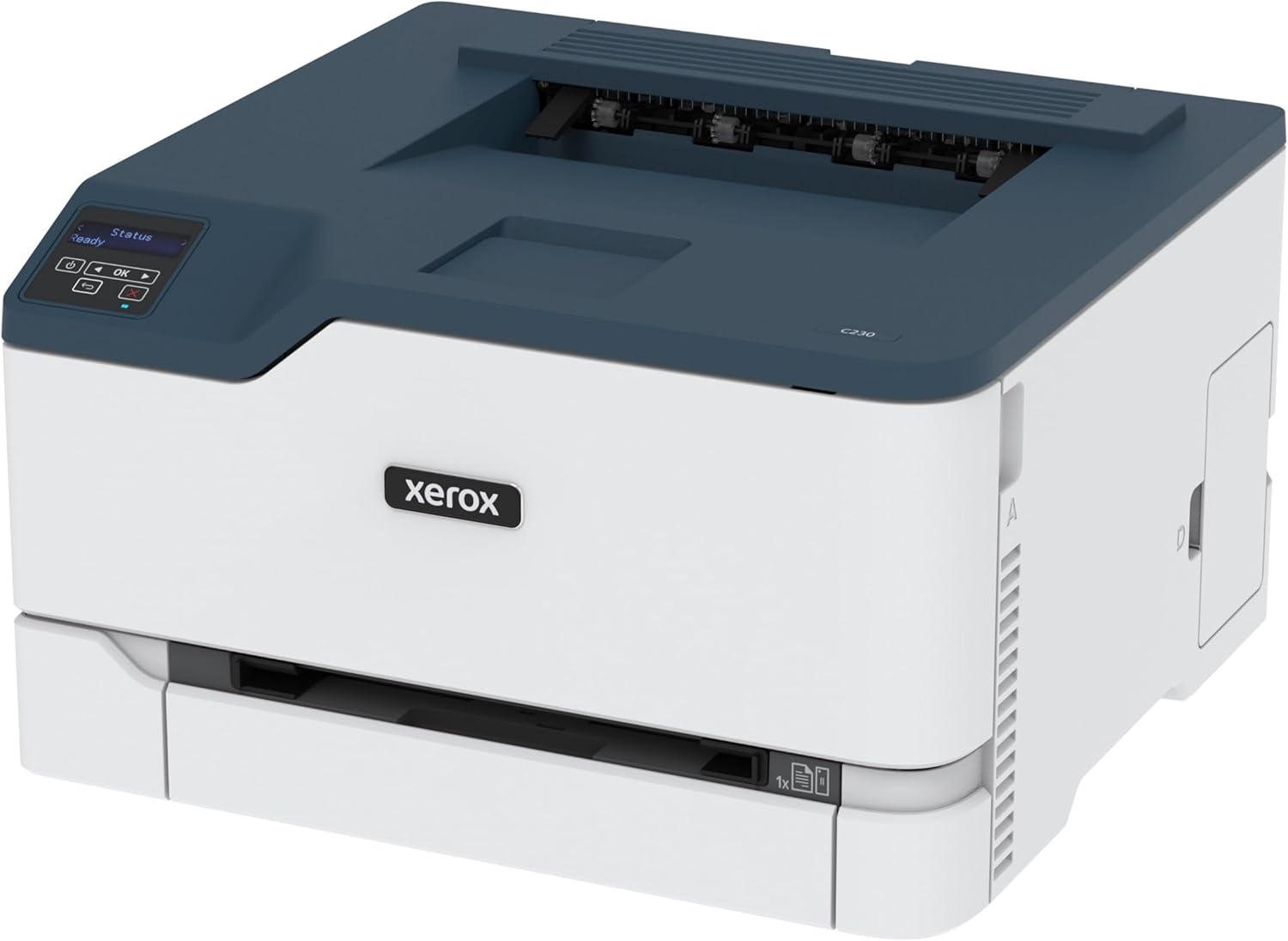
The affordable Xerox C230 Color Printer is built for fast, nimble offices and home offices that need a Color printer that can keep up with them. Easy to set up with Xerox® Smart Start Software and ready to work hard right out of the box. This device was designed for high-demand print environments, with an easy to use interface, automatic 2-Sided printing on letter and legal size paper with standard paper capacity of 250 sheets. Built-in wireless and Wi-Fi Direct functionality lets you print directly from mobile devices and tablets. Designed with a recommended monthly print volume of up to 1,500 pages per month, a 1 GHz dual core processor, 256 MB memory, and print speeds up to 24 Letter pages per minute/ 22 A4 pages per minute the C230 is a workhorse. Achieving EPEAT certification means the C230 Color Printer meets comprehensive criteria for design, production, energy use, and recycling. And our Green World Alliance program offers hassle-free toner cartridge recycling. With N-up printing multiple pages are reduced in size and then printed on a single sheet of paper. This feature is especially useful when outputting presentations or numerous thumbnail images, or when trying to conserve paper.
WORK FROM HOME: Perfect for small teams or home offices that need technology that fits in tight spaces and is easy to setup. The Xerox C230 Color Printer is perfect for anyone looking for a small, reliable, wireless Color printer.
OUTSTANDING PERFORMANCE: Color wireless printer, with print speeds up to 24 Letter pages per minute /22 A4 pages per minute, automatic two-sided printing, 250-sheet paper capacity and high-resolution image quality.
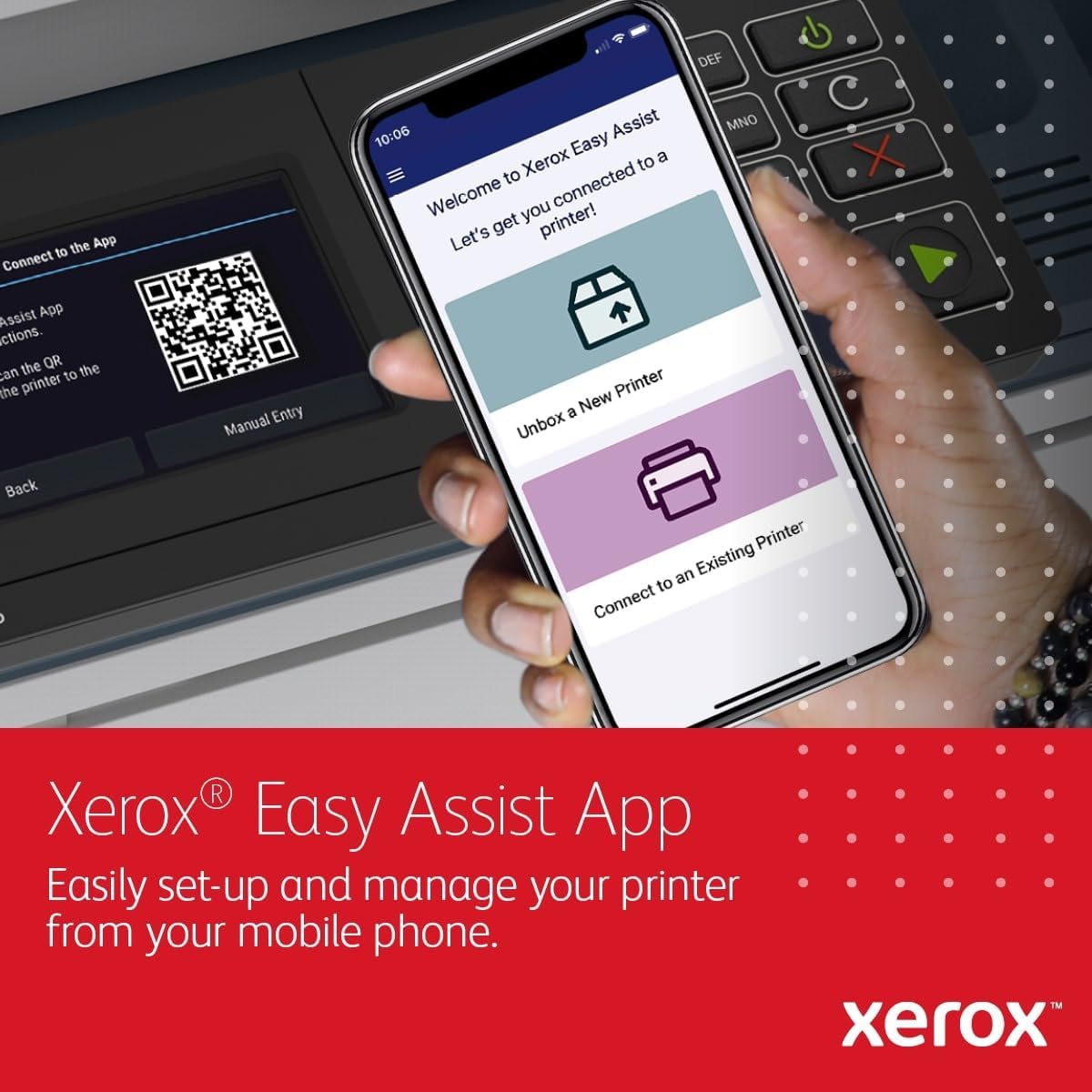
CONVENIENCE AND CONNECTIVITY: Built-in Wi-Fi for Apple AirPrint, Mopria Print Service and Chromebook. And, simple installation without the need for local IT support means you are up and running right out of the box.
STAY SECURE: Comprehensive security features protect against rising and increasingly sophisticated cyber threats by safeguarding access and protecting sensitive data and documents.
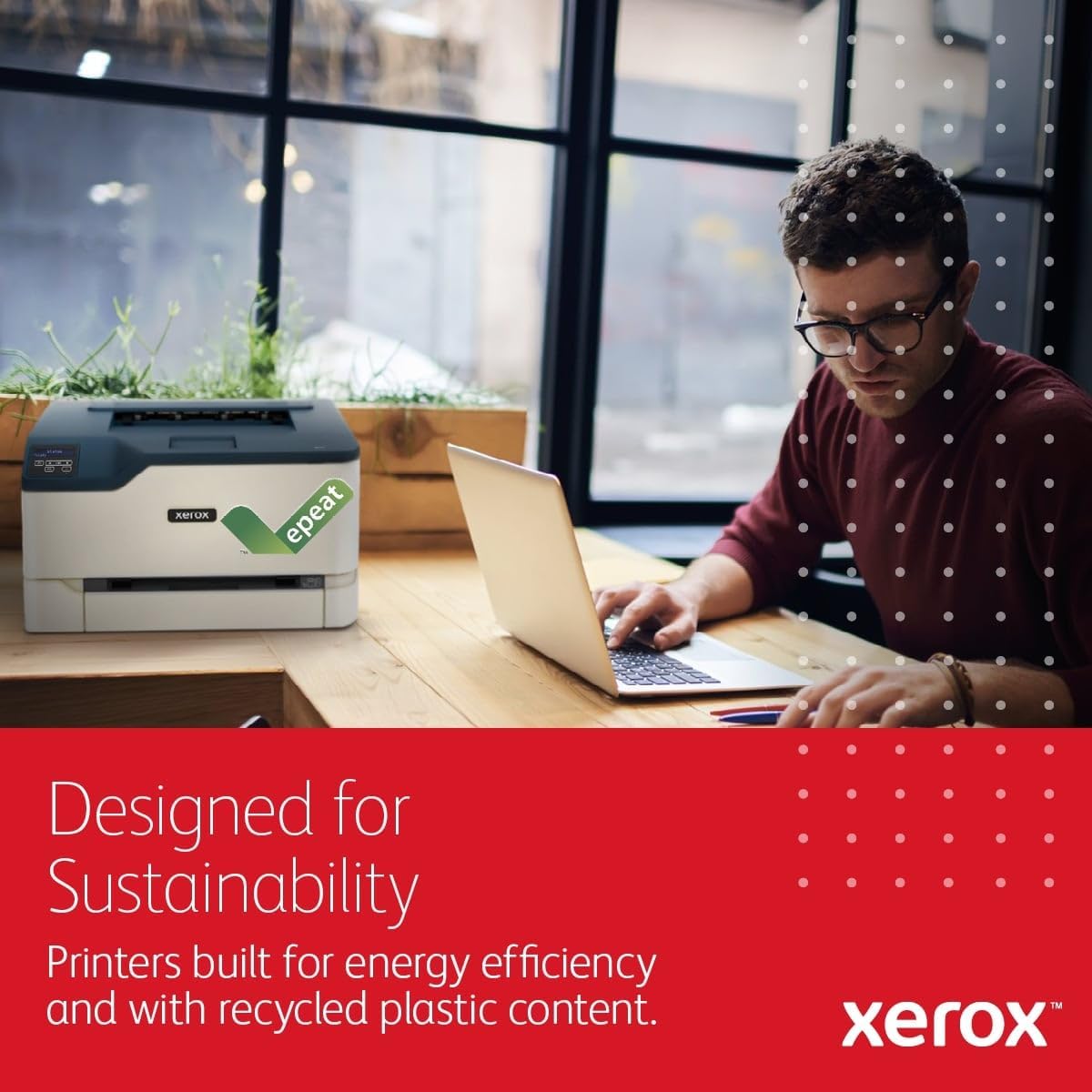
ENERGY STAR QUALIFIED: This printer minimizes environmental impacts with features such as Toner Darkness modes, automatic 2-sided printing, N-up printing and is EPEAT certified offers hassle-free toner recycling through the Xerox Green World Alliance.
Customers say
Customers find the printer’s print quality excellent and appreciate its ease of setup. The print speed receives mixed feedback, with some finding it fast while others say it’s slow. Customers report connectivity issues with WiFi being spotty. Moreover, the memory capacity is insufficient, and customers find the toner cartridges very expensive. The color accuracy also gets mixed reviews, with one customer noting it can print both black and white and color photographs, while another finds it not a good color printer.


Edward C. Horvath –
Great Home Office Printer
The crisp copies you only get from a laser printer. On my eerp wifi mesh network, all our devices find it easily, it wakes up, warms up, and prints. Seems to be robustly built, I’m hoping for at least 5 years of home-office use (relatively light, a few dozen pages a month). I got tired of using inkjet printers that crap out in 6 months or less and don’t have anything like the same quality (and smudge, and run, and…). So over that 5 years I expect this one will be cheaper than those throwaway printers, not to mention much better quality output.Bonus: 2-sided copy is completely automated in the printer, no hassling around with manual paper handling, which makes me happy—fewer dead trees, less bulk to mail or file.Con: toner cartridges are relatively expensive. I’m still using the (small capacity) ones that came with it, but after 3 months or so blacK is about 1/3 full, Cyan and Magenta about half, Yellow about 2/3. (I know this since the printer interface on MacOS shows supply levels, another nice touch.) So I’m ordering one a month to level out the cost, but I expect the 2500p black and 1500p CYM cartridges to last at least a year at our usage levels. The good news is there are four toner cartridges (CMYK) so there’s no waste, replace only the one that’s empty. (I can’t speak to how easy or hard it is to swap out toner, I haven’t done it yet.)Con: a full 8″x10″ (10cm x 25cm) color image overwhelmed the (unspecified) printer memory capacity and would not print. 6″x8″ worked fine. I haven’t tried adjusting the resolution of the image to see if bigger and coarser would work. Not a typical use case, but sometimes you want to spruce up the workspace with some nice images…NOTE: this is a PRINTER, not a multifunction device (no scanner, no fax capability). I don’t need those often, so don’t miss them. If they still work on your failing/failed printer, maybe keep that in the closet…
N R –
One HUGE Reason NOT to buy – and a few smaller reasons, too.
As a printer, the quality is fine, but there is ONE HUGE PROBLEM (and its a sneaky one!!!)I bought this, set it up, used it for a couple weeks, and was more or less happy at first. There are memory issues if try to send a large file to print, but as I rarely do that, it wasn’t a huge deal.But the BIG problem was that after I printed about 200 pages, it ran out of toner. What? I thought. The whole point of a laser printer (as opposed to an ink jet) is that you can print thousand of pages without having to buy new cartridges. (I dont print fine art or photos, just mostly Word documents).I went to check the cartridge, and only then did I find out that it was a “starter cartridge” So, there I was with a 2 week old printer, and already having to buy new black toner. Magenta is almost out too.The black toner was OVER $100. Magenta is even more. THERE ARE VERY FEW – IN ANY – THIRD PARTY SELLERS OF THIS TYPE OF TONER CARTIDGE. So, I had to buy one from Xerox.So, sure… paying around $300 for a color printer seems like an ok deal. But if within a month or so, you have to shell out another $400-500 in toner cartridges, then thats actually a terrible deal.Also, in regard to tech support, I had a question and called Xerox (the number in the instruction book for tech support) I was told by the rep, the support for this printer is handled by the original re-seller (not Amazon, and not the seller on here, but some seller who bought it from Xerox originally) So they refused to help or give any advice, even for the most basic questions like “how to turn off two-sided printing?” I asked “who should I call to get support?” and Xerox said they would get back to me. I have been bugging them for 3 weeks now for this info, no reply from Xerox at all (free tech support is supposed to be included at the start) but Xerox NEVER replies – so far all intents and purposes, NO tech support.In conclusion:- they rip you off on the cartridge scam- the tech support team does not give a f***so, ON nearly every level, its a terrible choice.- Print quality is acceptable, and you can get the low memory issue fixed with some work-arounds (but thats a subpar situation)so, when you consider that within the first month of ownership you can expect to pay an additional $400 or more for tonerMY FINAL VERDICT IS IF YOU TAKE ALL THE FACTORS INTO CONSIDERATION, THIS IS PERHAPS THE ABSOLUTE WORST CHOICE IN PRINTERS YOU COULD EVER MAKE.I did not realize all these issues when first using, or else I would have saved the box it shipped in. But as I threw it away, I am unable to return the printer (so, I am stuck with it).But just because I am stuck with it, I dont want you to be. My advice? Don’t make the same mistake I did, buy another brand.
Cooper –
Great quality B&W photos
While I needed a printer for everyday documents, I wanted to get a printer that could do a good job printing some of my black and white photographs. I have a very good quality inkjet printer for the finest quality, but I needed something that was quicker, cheaper and could print double sided to put together books. I tried a couple of other laser printers in the $300-600 range. The output from the HP printer looked good, but when viewed in daylight looked very green (even when printed in “black and white” mode. This is usually an indication that the printer is using the full CMYK range of inks to make black instead of just using the black ink. I returned the printer. I next tried a Canon. It could do a true black, but I just didn’t like the quality of the middle grays. The B&W images looked better in color mode, but again looked green and unattractive mid-tones.I also returned that one.The Xerox machine does a great job with B&W (as well as color) photos. The blacks are really black and the mid-tones have a nice gradation. One of the best things is that on the “webpage” of the printer — which can be accessed from your computer — there are a number of controls for fine tuning the quality of the image. There is lightness/darkness, contrast, and saturation. I’ve tweaked them so the photos look really good — at least for a laser printer. Of course, every image may need to be printed a little differently, but at least the controls are there to alter it if you want. It’s also handy to print directly from my iPad.
stephen marlow –
Almost the best choice…
Enjoying this printer. Connects and sets up easily. Two issues though: to print a photo from phone it must be a screen shot to reduce the resolution, prints okay 8 1/2″ X 11″, and the cost of the toner refills is more than the printer.
Rocío Quintana –
La impresora me desilusionó bastante, tarda mucho en imprimir por cable y mucho más por wifi. Si mandas a imprimir un archivo grande lo imprime incompleto y marca error.Si imprimes más de 5 hojas en un solo documento empieza a hacer un sonido extraño.Definitivamente no es una buena compra, yo la utilizo para uso personal y tareas escolares y no me sirve por eso la devolví
ESL01 –
I don’t much mind that it’s noisy but it sure is! Don’t plan to print if you’re up late working and others are sleeping nearby ;)The print quality is fantastic – maybe that’s just because it’s a XEROX. Got so sick of inkjet ‘business’ printers that are garbage quality and super slow to warm up and get printhed ready to spit out ink. When I tried desperately to print something urgent and it made a squeeking noise for 2 min straight it went into the garbage bin and I got this to take its place.All in all 4/5 ; a 5-star print with a -1 star for the headache 😉
Pabel Lopez –
Ni un mes de uso y marca errores. Con la PC es muy lenta, mandas imprimir 20 hojas, imprime dos o tres y se queda pausada unos 30 segundos e imprime otras 2-3 hojas.
Amazon Customer –
no good at all
Israel –
Mala compra. Lenta. Le salio mancha en la pantalla lo malo es q no guarde la caja para gantia pesima compra